Dhaka, Bangladesh
Case Studies

Linking Shared Template Parts to a Live Preview's Settings Panel

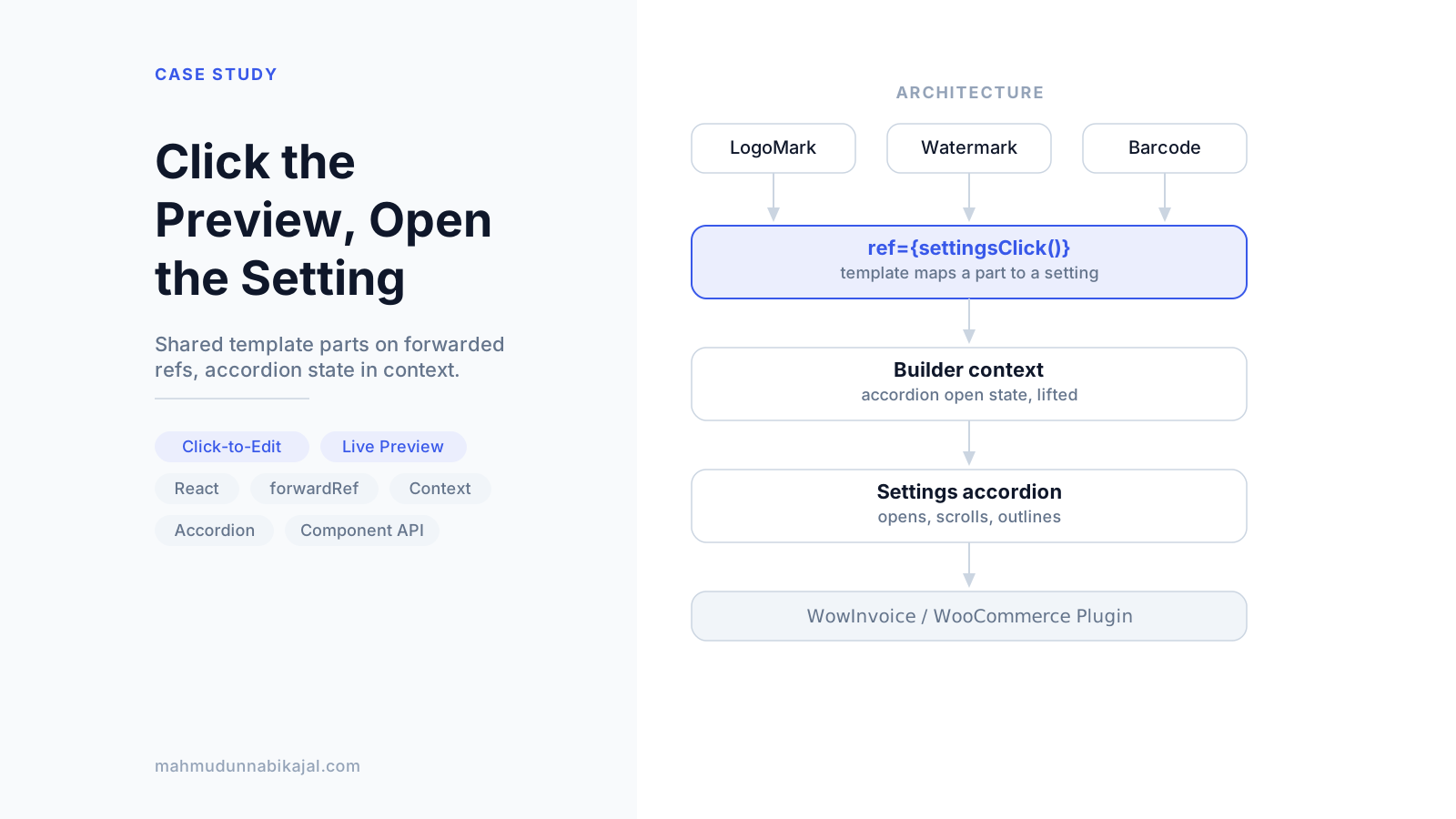
Cover image for the case study "Linking Shared Template Parts to a Live Preview's Settings Panel"

Quick answer

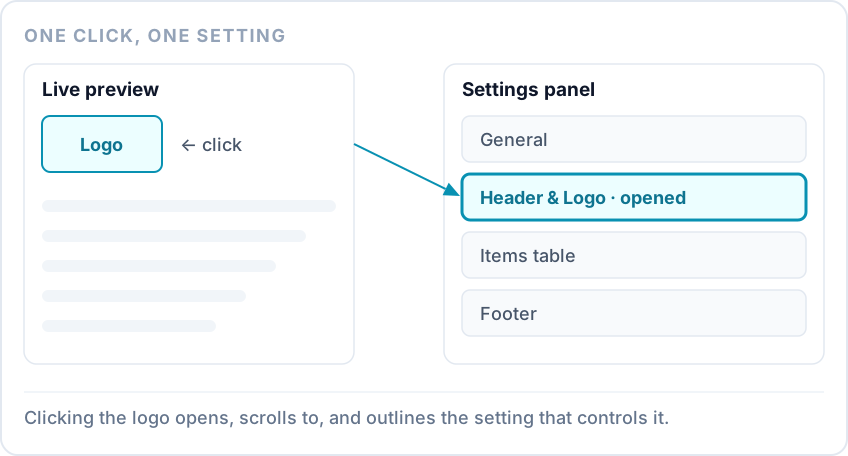
A click on the logo in a live invoice preview opening the Header and Logo section of the settings panel, scrolling to it and outlining it.
In WowInvoice's document builder, clicking part of the live preview, like the logo or the barcode, opens the setting that controls it. The mechanism behind that already existed when I started. My part was making it work for parts shared across every template, and making the settings panel respond to it. Shared parts now take a forwarded ref instead of a callback prop, and the settings accordion's open state lives in the builder's context.

TL;DR

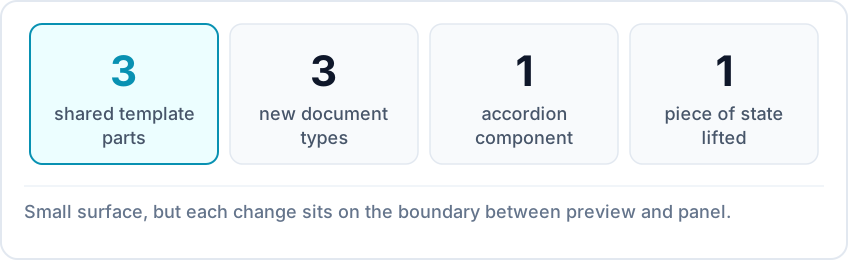
Stat strip: three shared template parts, three new document types wired up, one accordion component, and one piece of panel state lifted into the builder context.
TL;DR summary
Starting pointA hover-and-click overlay that maps a preview element to a settings path
What I changedLogo, watermark, and barcode parts take forwarded refs; three new document types wired up
Panel sideA new Accordion component whose open state lives in the builder context
FeedbackThe target section is outlined after the scroll, with a temporary scroll offset
ToolingSome of the accordion integration and highlight commits were co-authored with GitHub Copilot
TeamMe, with guidance from Samin Yaser, who built the overlay and its scroll function

What I started from

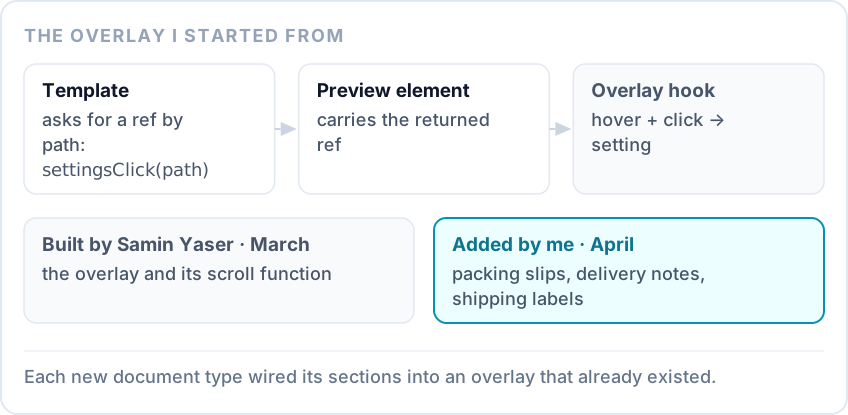
The existing overlay: a template asks settingsClick for a ref with a settings path such as 'store', attaches it to an element, and the overlay hook turns hovers and clicks on that element into navigation to the matching setting.
Samin Yaser built the builder overlay in March. A template calls settingsClick('store'), attaches the returned ref to an element, and the overlay turns hovers and clicks on that element into navigation to that setting. In April I added three document types to the builder: packing slips, delivery notes, and shipping labels. Each template wired its own sections into the same overlay.

A prop or a ref

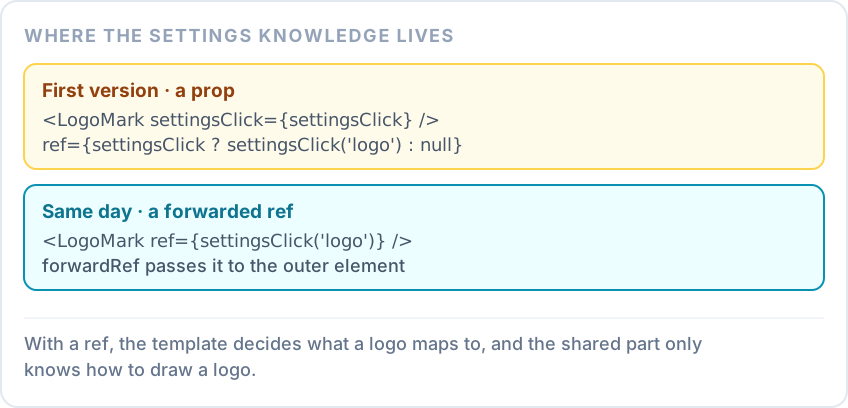
Two versions of the shared LogoMark part: first taking settingsClick as a prop with a null check inside, then wrapped in forwardRef so the template passes ref={settingsClick('logo')} and the part knows nothing about settings.
The logo, watermark, and barcode were the same in every template, so I pulled them out as shared parts. Each one still had to be clickable in the preview. My first version passed settingsClick into each part as a prop. That meant every part had to know about the settings system and guard against templates that didn't provide it. The same day, I wrapped the three parts in forwardRef instead. The template now writes ref={settingsClick('logo')}, and the part just forwards the ref to its outer element. That moved the knowledge to where it belongs. The template knows which setting a logo maps to, and the shared part only knows how to draw a logo.

Letting the preview open the panel

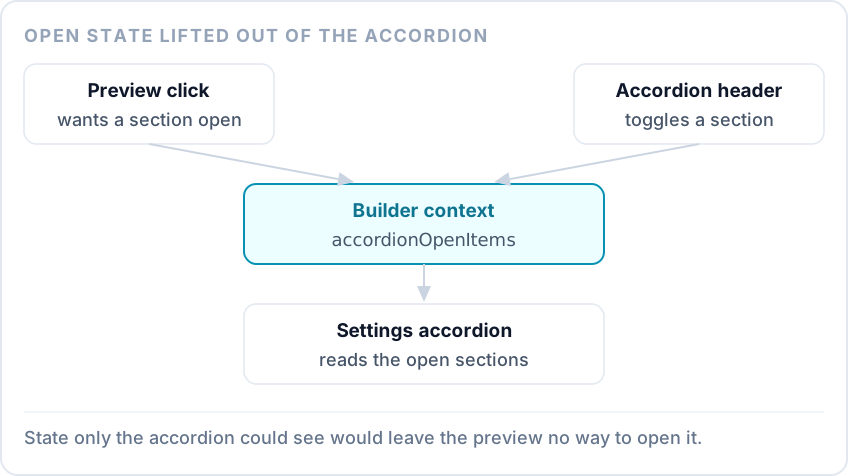
The accordion's open items held in the builder context instead of inside the accordion, so both the settings panel and a click from the preview can open a section.
The settings panel needed collapsible sections. I built an Accordion component with an item context, so headers and panels inside a section infer its ID instead of repeating it. The important choice was where the open state lives. An accordion that tracks its own open sections can't be opened from outside, and a click in the preview is outside. So the list of open sections moved into the builder's context. The panel reads it, and anything in the builder, including a preview click, can set it.

Landing on the right setting

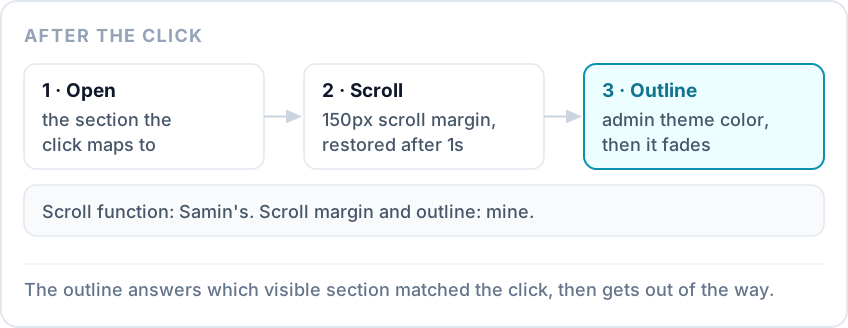
The sequence after a click: the section opens, the panel scrolls with a temporary 150px scroll margin that is restored after a second, and the section content is outlined in the admin theme color before the outline fades.
Opening the right section isn't enough if the reader can't see where they landed. Samin's scroll function already brought the section into view. I added two things to it. A temporary 150px scroll margin keeps the section from landing flush at the top, and it's restored after a second. Then the section's content gets an animated outline in the WordPress admin theme color, which clears itself shortly after. In the current free WordPress.org build, the forwarded-ref logo part, the accordion, its lifted state, and the highlight are all still in the code. The watermark and barcode parts are no longer in that branch.

FAQ

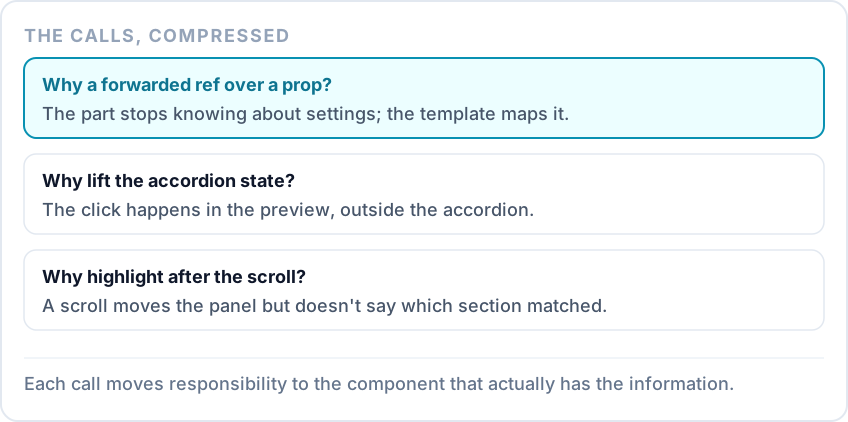
Three why-questions with compressed answers: refs over a prop, lifting accordion state, and highlighting after the scroll.

Why switch the shared parts from a prop to a forwarded ref?

With a prop, every shared part had to know the settings system existed and check whether it was there. With a ref, the template decides what a part maps to, and the part stays a plain drawing component.

Why move the accordion's open state into the builder context?

The click that should open a section happens in the preview, not in the panel. State that only the accordion could see would have left the preview with no way to open it.

Why add a highlight after the scroll?

A scroll moves the panel, but it doesn't say which of several visible sections is the one that matches the click. A brief outline answers that without leaving anything on screen. Other case studies in this series cover credit notes that show what was actually refunded → and extending a partial-payment layer to four deposit plugins →.
Part of the WowInvoice frontend engineering case study series →
On this page
Quick answer
TL;DR
What I started from
A prop or a ref
Letting the preview open the panel
Landing on the right setting
FAQ
Why switch the shared parts from a prop to a forwarded ref?
Why move the accordion's open state into the builder context?
Why add a highlight after the scroll?